ConsoleUI
Build terminal apps the way you build GUIs. A text-mode toolkit for Python: add widgets, run the loop, and get focus, menus, dropdowns, dialogs, mouse and keyboard. It runs over ssh and needs nothing but Python.
- 0
- dependencies
- 42
- widgets
- 10
- themes
- 3
- languages
- 927
- tests
- 01CellsA grid of characters. Every widget draws into it.
- 02WidgetsForty-two kinds. Buttons, tables, trees, charts, dialogs.
- 03RendererOnly the cells that changed are sent. Quick over ssh.
- 04InputKeyboard, mouse and focus, on Windows and POSIX.
- 05Themes, languagesTen themes, three languages. Each one is a plain file.
ConsoleUI keeps a grid of character cells. Widgets draw into it, and the library turns the changes into terminal codes. Only changed cells are sent, so it stays quick on a slow link.
You place widgets at cell positions, give them callbacks and start the loop. Tab moves focus, Alt keys press buttons, the mouse clicks and scrolls, and a dialog blocks the way a GUI dialog does.
It is one Python package with no third-party dependencies. Copy it into a project and it works, on Windows 10 or later and on POSIX terminals, in truecolor.
from console_ui import App
from console_ui.widgets import Panel, Button, Checkbox, TextInput

app = App(theme="splunkyard")
app.add(Panel(2, 2, 40, 7, "Login"))
app.add(TextInput(4, 4, w=30, value="admin"))
app.add(Checkbox(4, 6, "&Remember me", checked=True))
app.add(Button(4, 8, "&Sign in", "primary",
               on_activate=lambda a: a.message_box(
                   "success", "OK", ["Signed in."])))
app.add(Button(15, 8, "&Quit", on_activate=lambda a: a.quit()))
app.run()
Every screenshot on this page is a real frame from the shipped demos, read out of the library's own screen buffer and drawn cell by cell. Nothing is a mock-up.
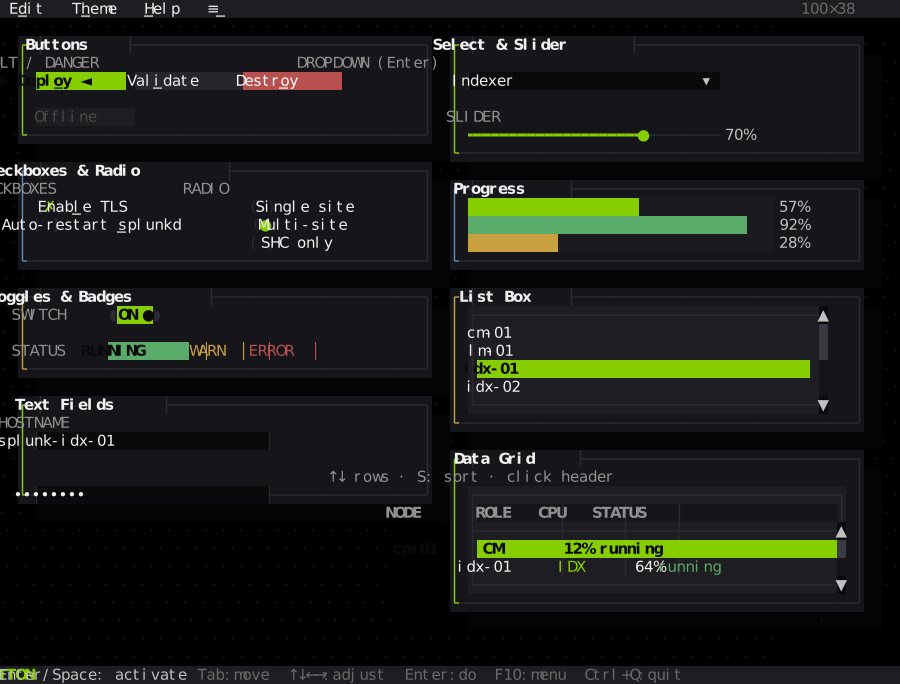
Forms check as you type. Errors show inline, and a help pane follows the field you are on.
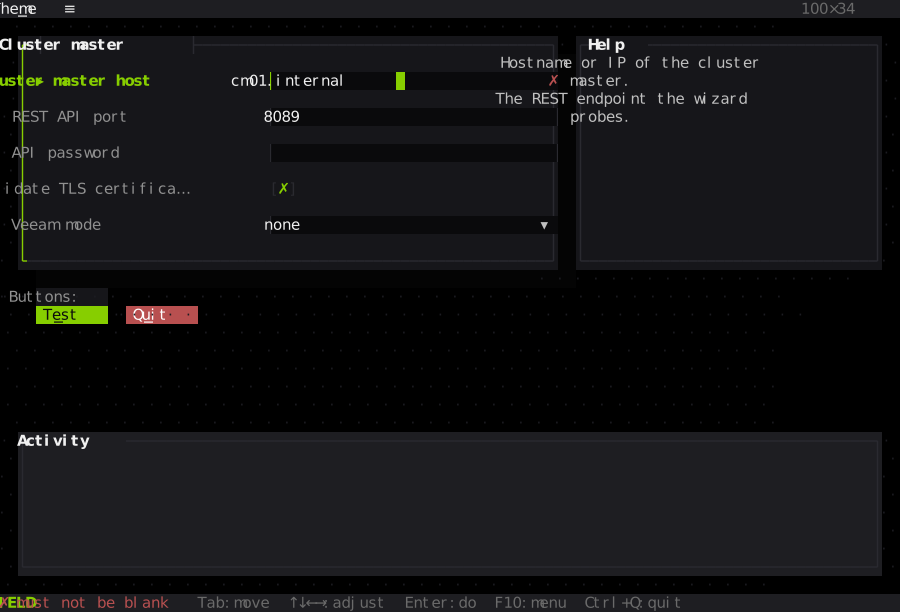
Dense on purpose. Titles sit on the borders and a one-row chrome mode gives the last line back. Real admin forms fit in 24 rows.
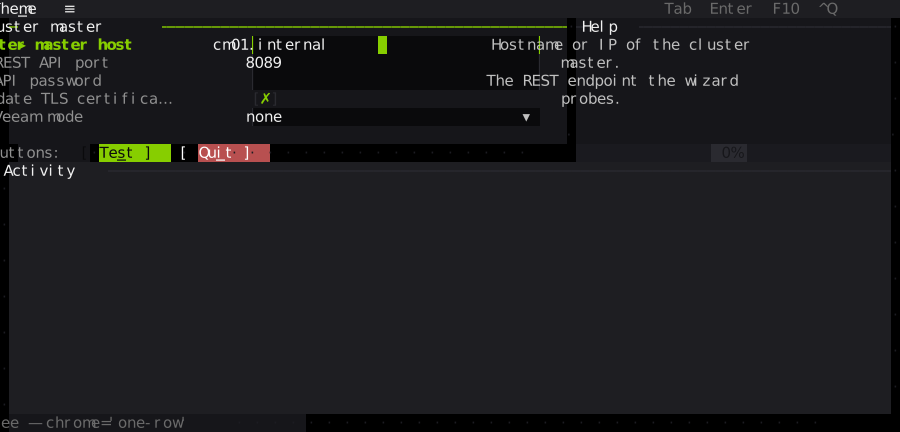
A list that filters as you type, with a preview beside it.
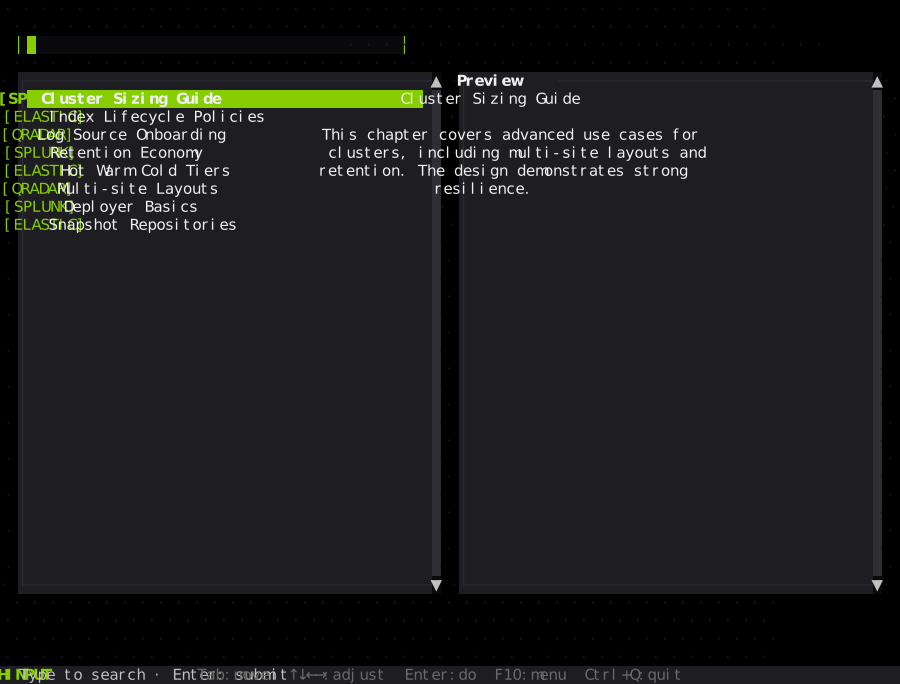
Rest the pointer on a control, or press F1. One global delay keeps tooltips calm.
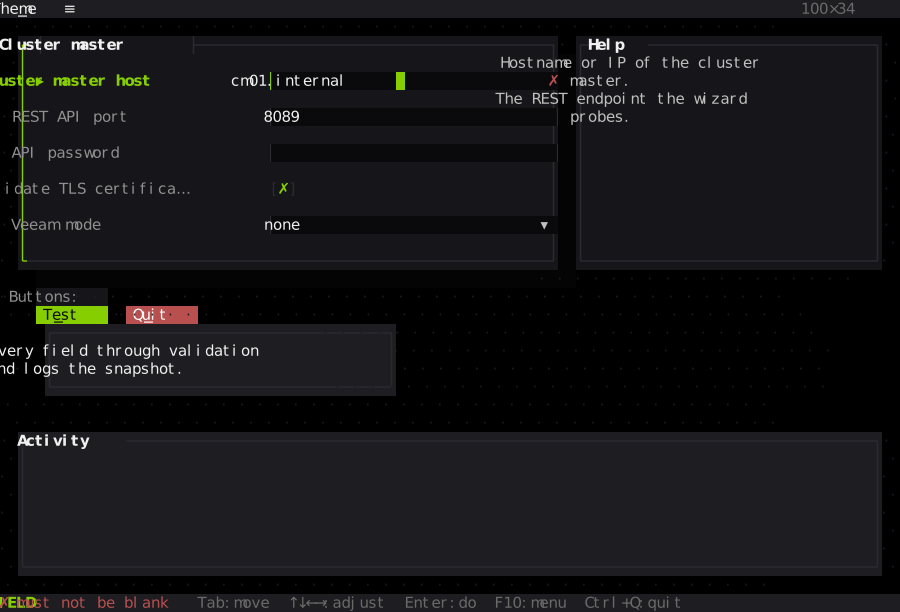
Ten themes. A theme is a file of named colour roles, so no widget needs restyling. Switch at run time from the menu.
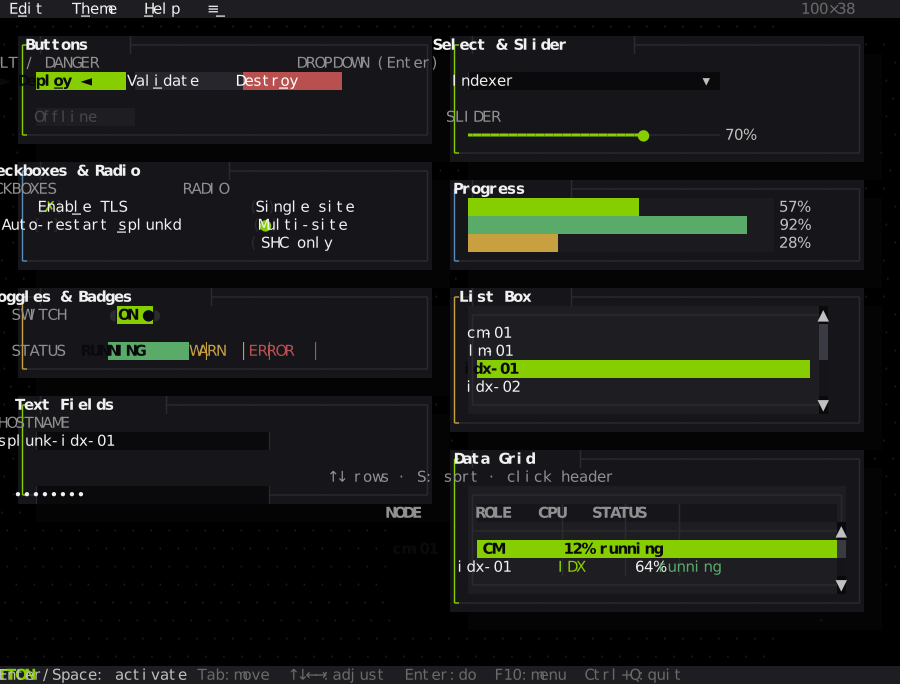
The parts that usually cost a week come built in: menus with accelerators, context help, a command palette, a calendar and a file dialog.
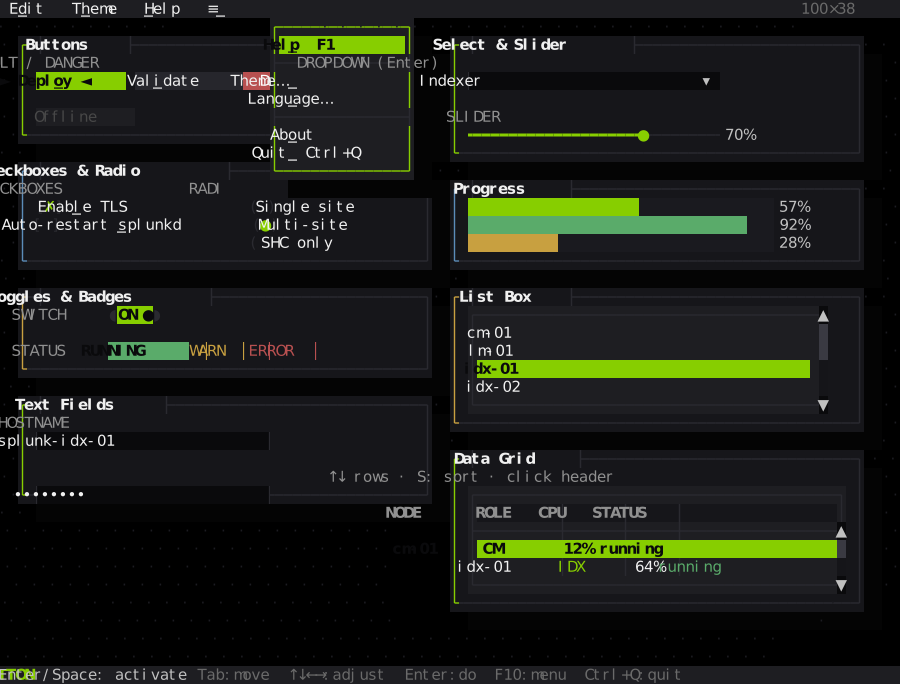
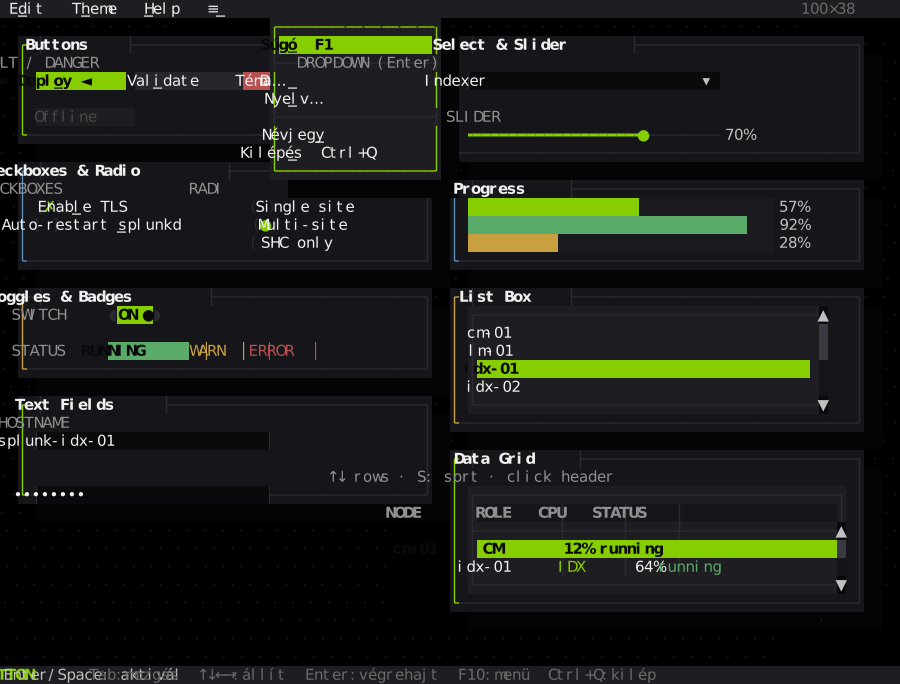
English, Hungarian and German ship in the box. A new language is one file. Switch live and the whole screen repaints, month names and menu letters included.
Forty-two widgets
Five families: basics, input, data and charts, layout, forms and feedback. Labels, buttons and lists sit next to trees, sparklines, a braille drawing surface, a hex viewer and split panes.
Dialogs, toasts, tooltips, a menu bar and an F-key bar come with them. Every widget draws from theme roles.
A page can also be described in JSON, loaded into live widgets and saved back. That round trip is tested for every widget.
About ten thousand lines in a dozen modules, and 927 tests that drive the real event loop with scripted keys, no terminal needed. Source stays private.